
For every drive,
a launcher made for the car.
Dual, Half, widgets and DRIVE LOG. Turn your AIBOX into a screen made for driving.
Display Modes (Single / Dual / Half)
Widget Types
Supported Languages
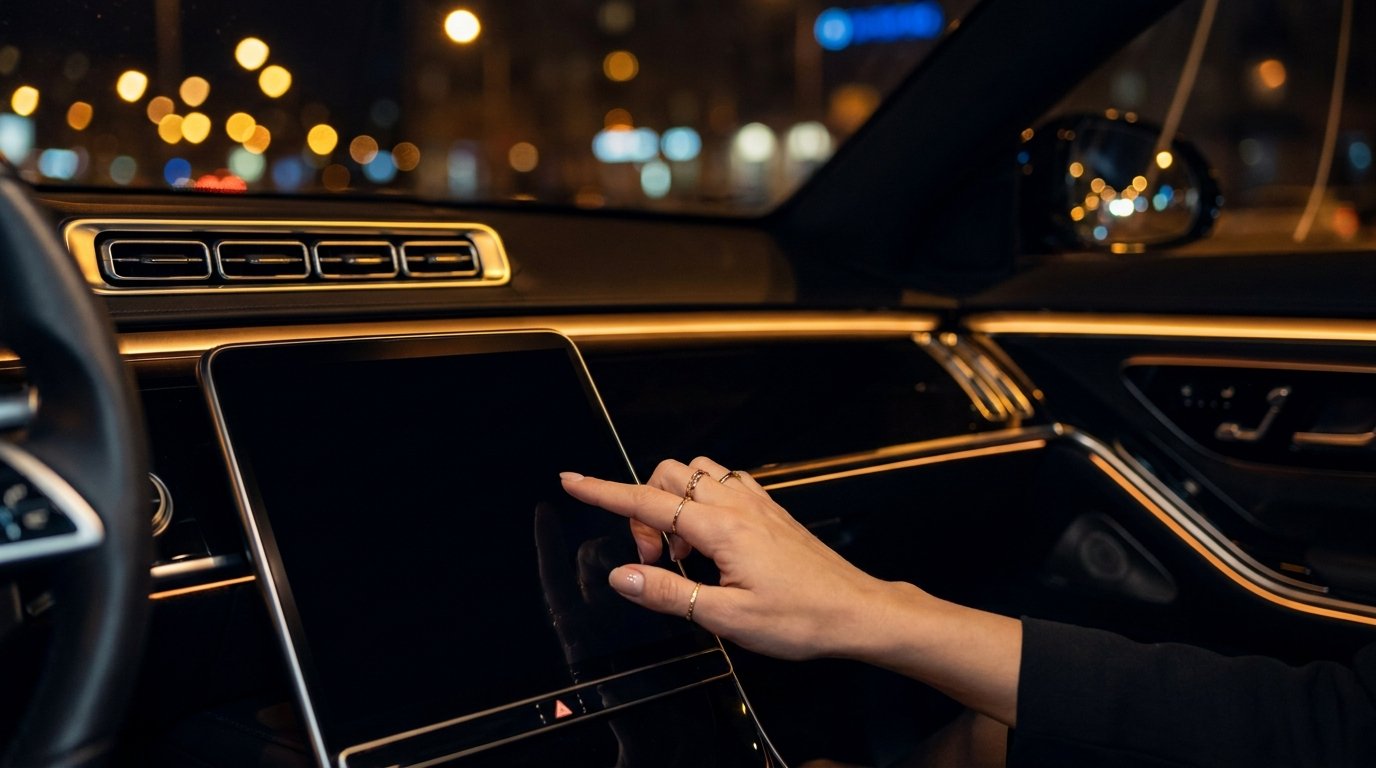
See It In Action
A screen layout designed for AIBOX, built to stay intuitive while driving.
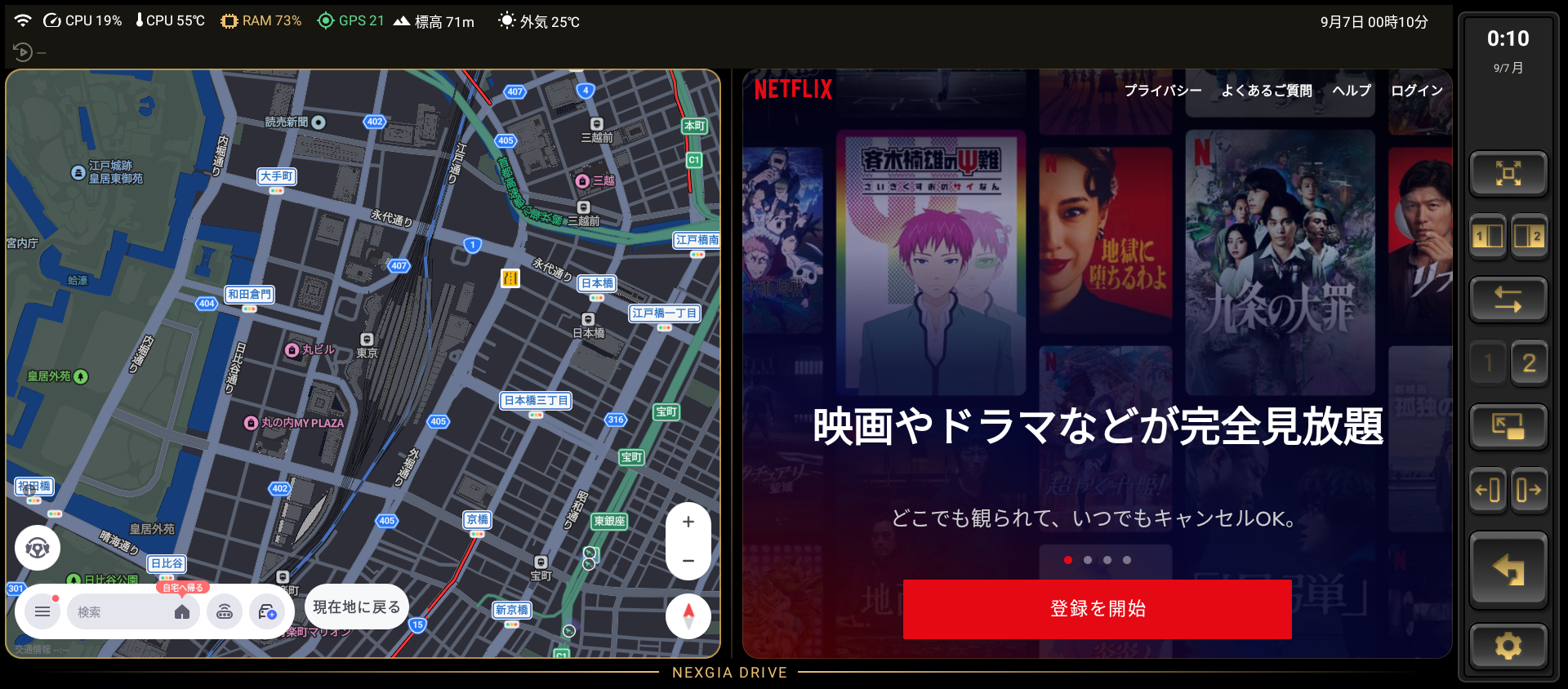
Dual-Screen Display
Half-Screen Display

Vertical Split (Top / Bottom)
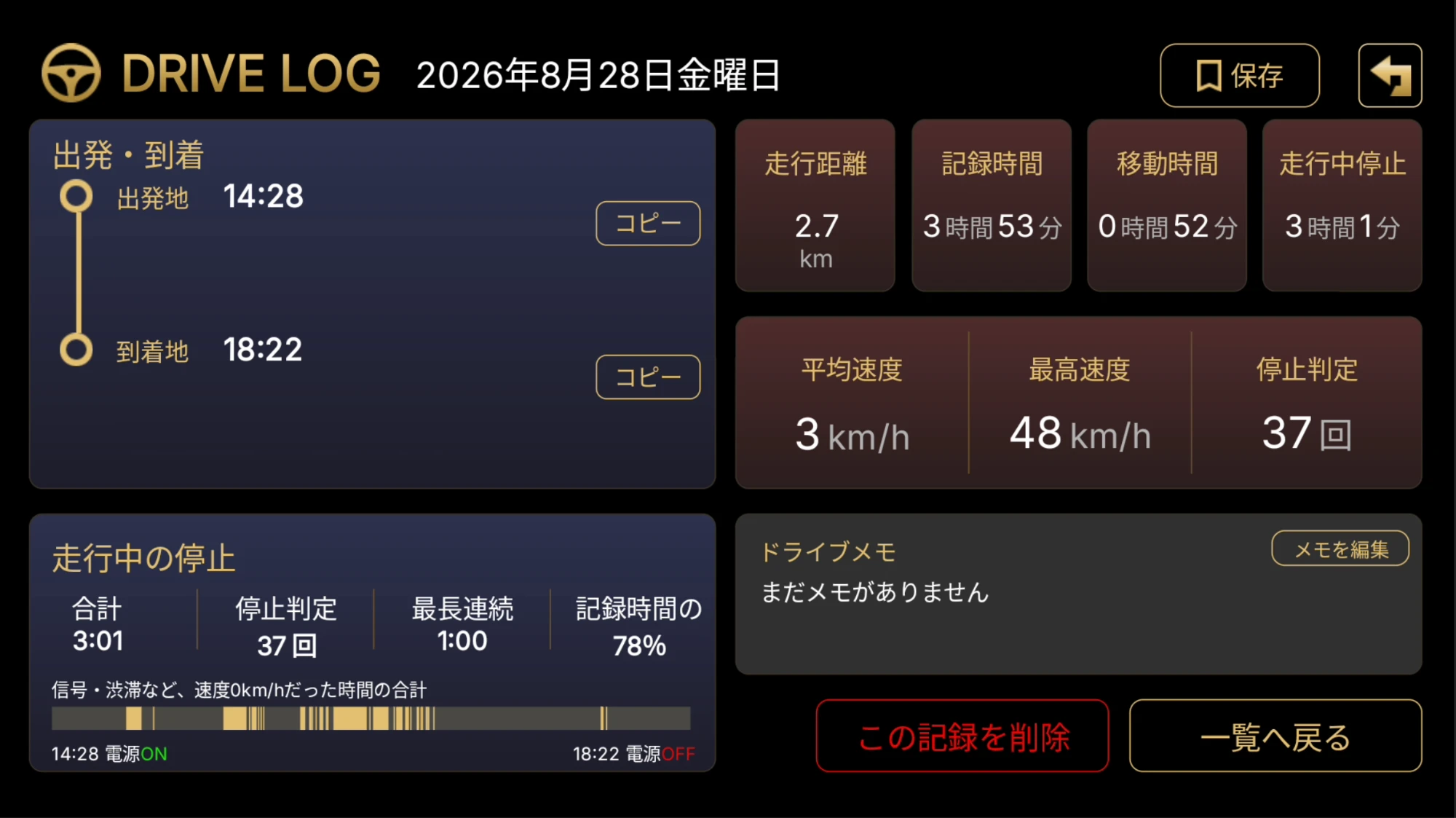
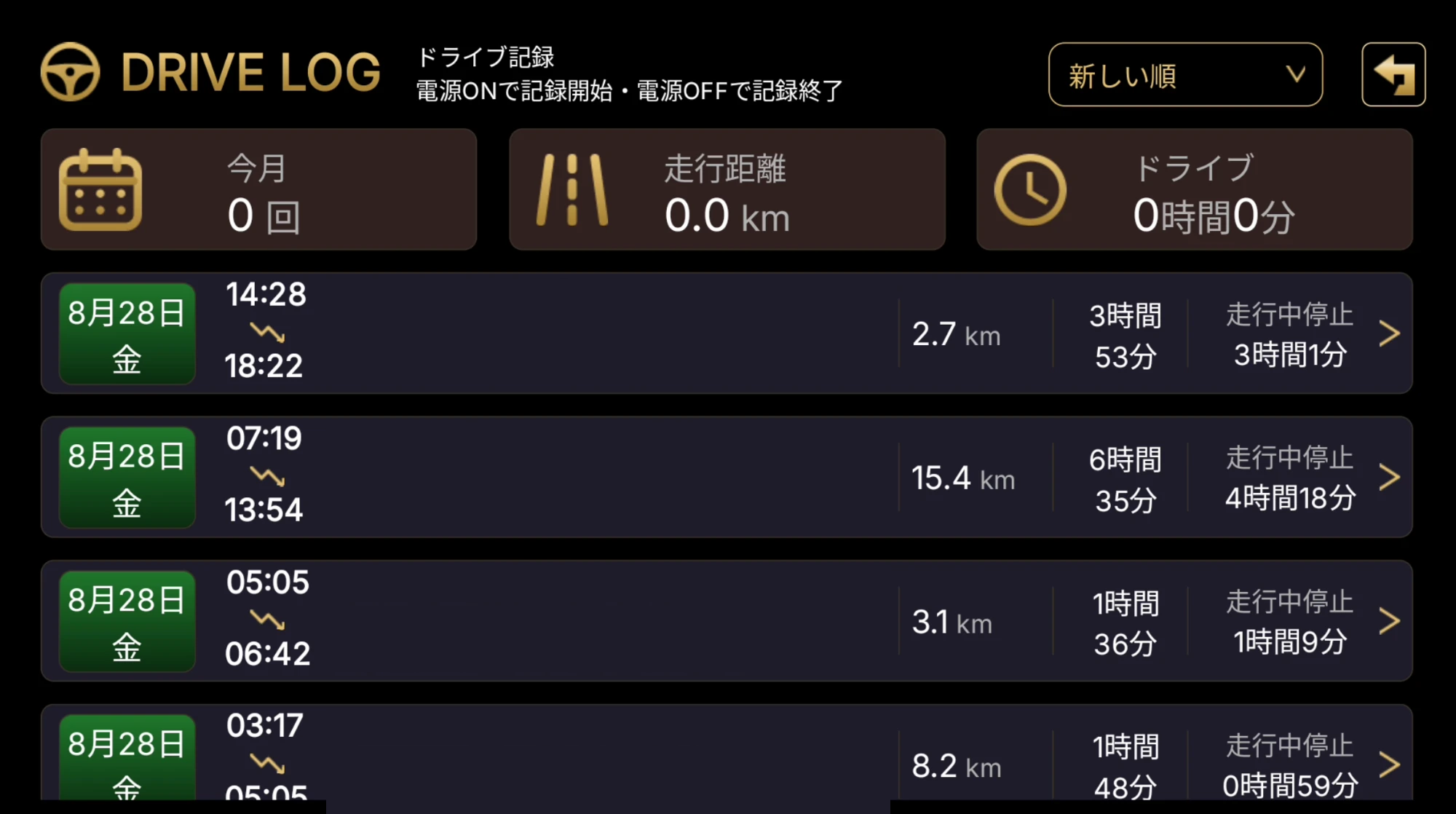
DRIVE LOG Detail
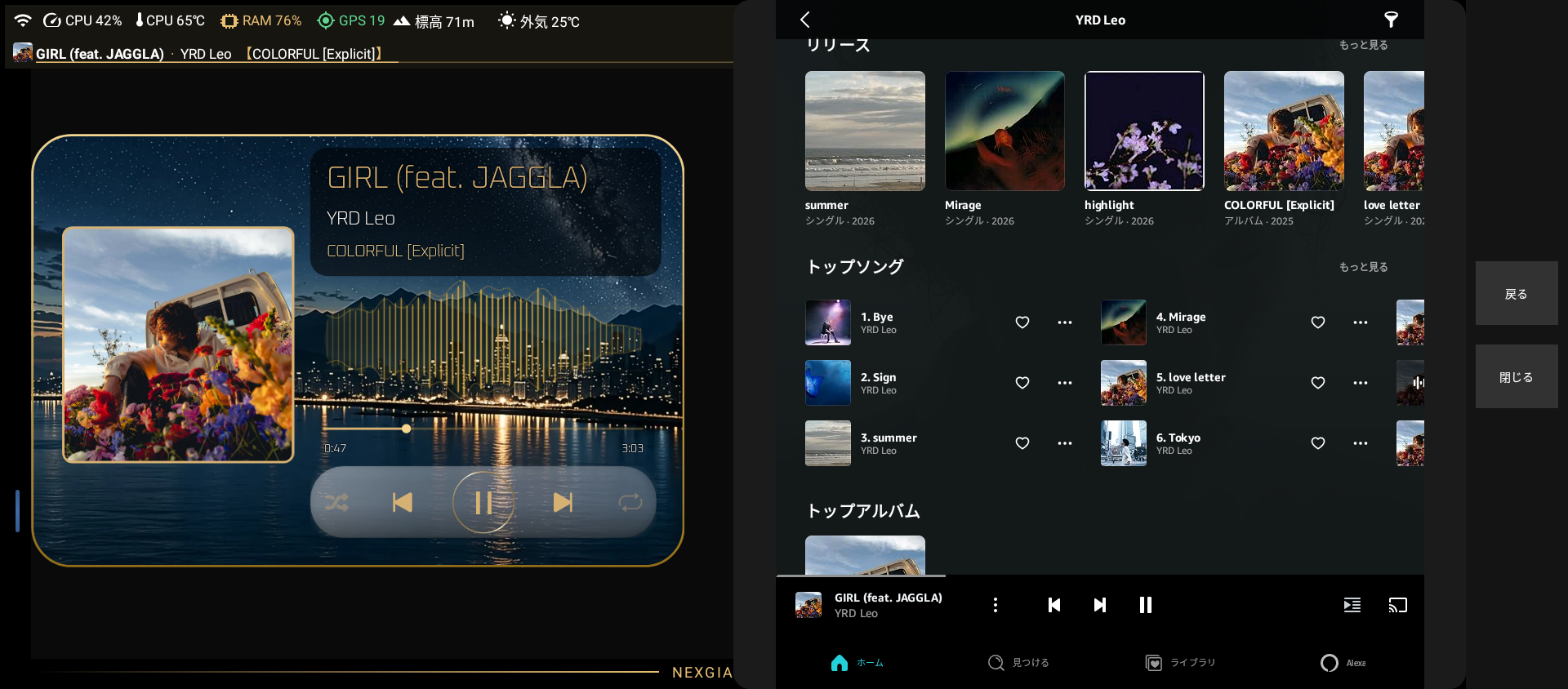
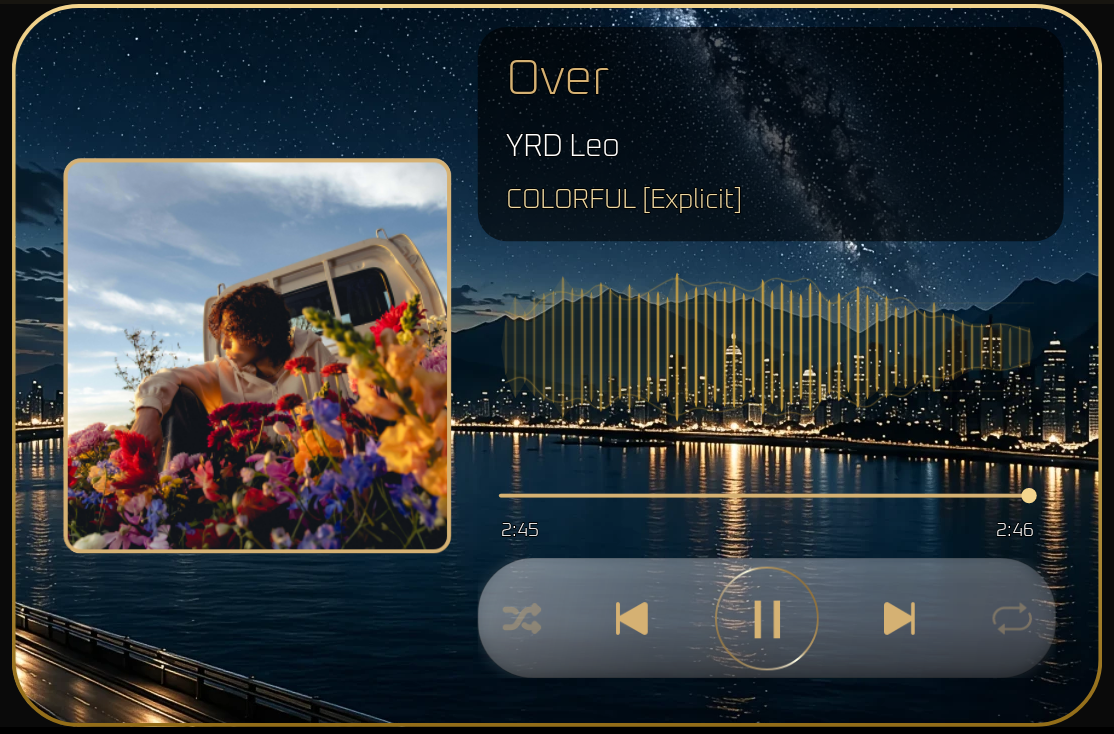
Music Widget
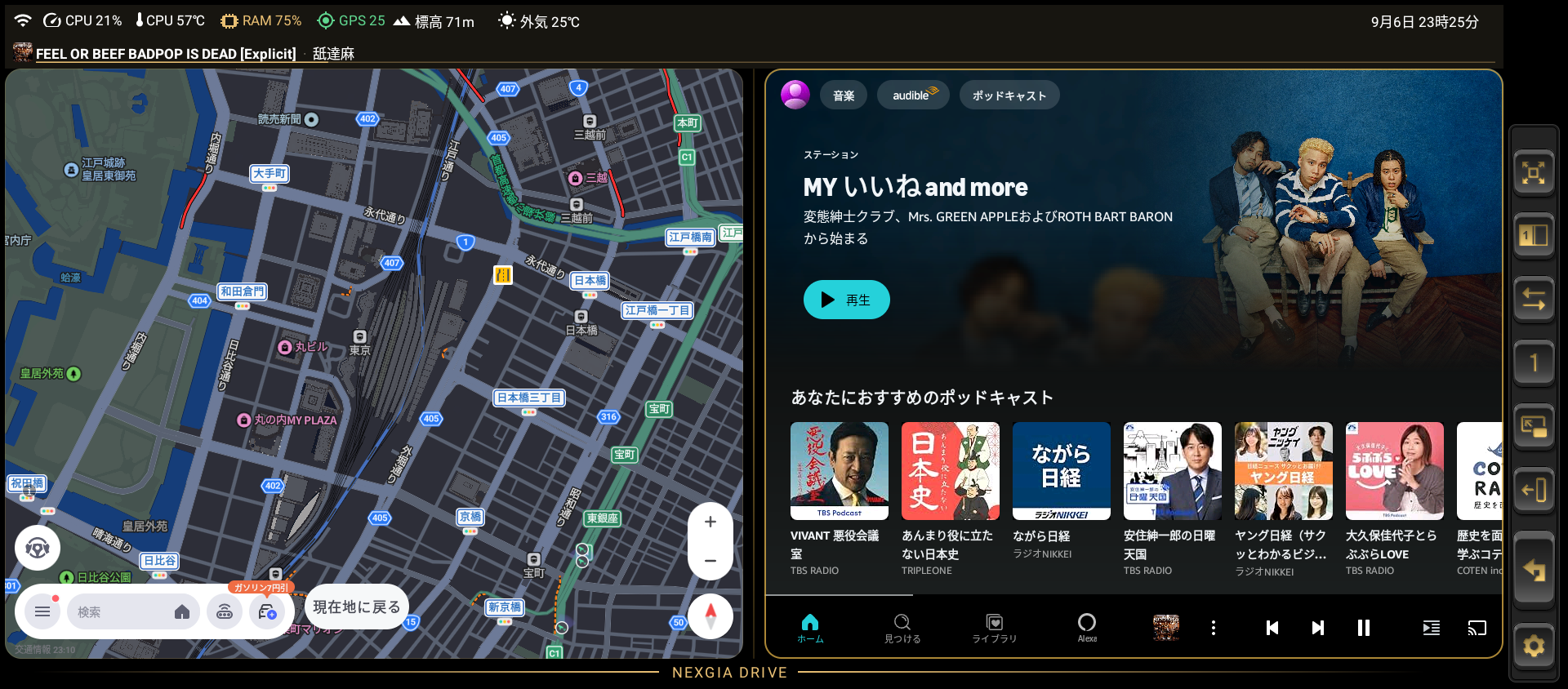
Sidebar (Small)
Features of NEXGIA DRIVE
An operation flow that stays intuitive even while driving, with a screen layout that shows exactly the information you need — no more, no less.
Dual-Screen / Half-Screen Display
Dual-screen places two apps side by side (or top and bottom), while half-screen lets you use one app as the main view and the other as a supporting one.
App Widgets
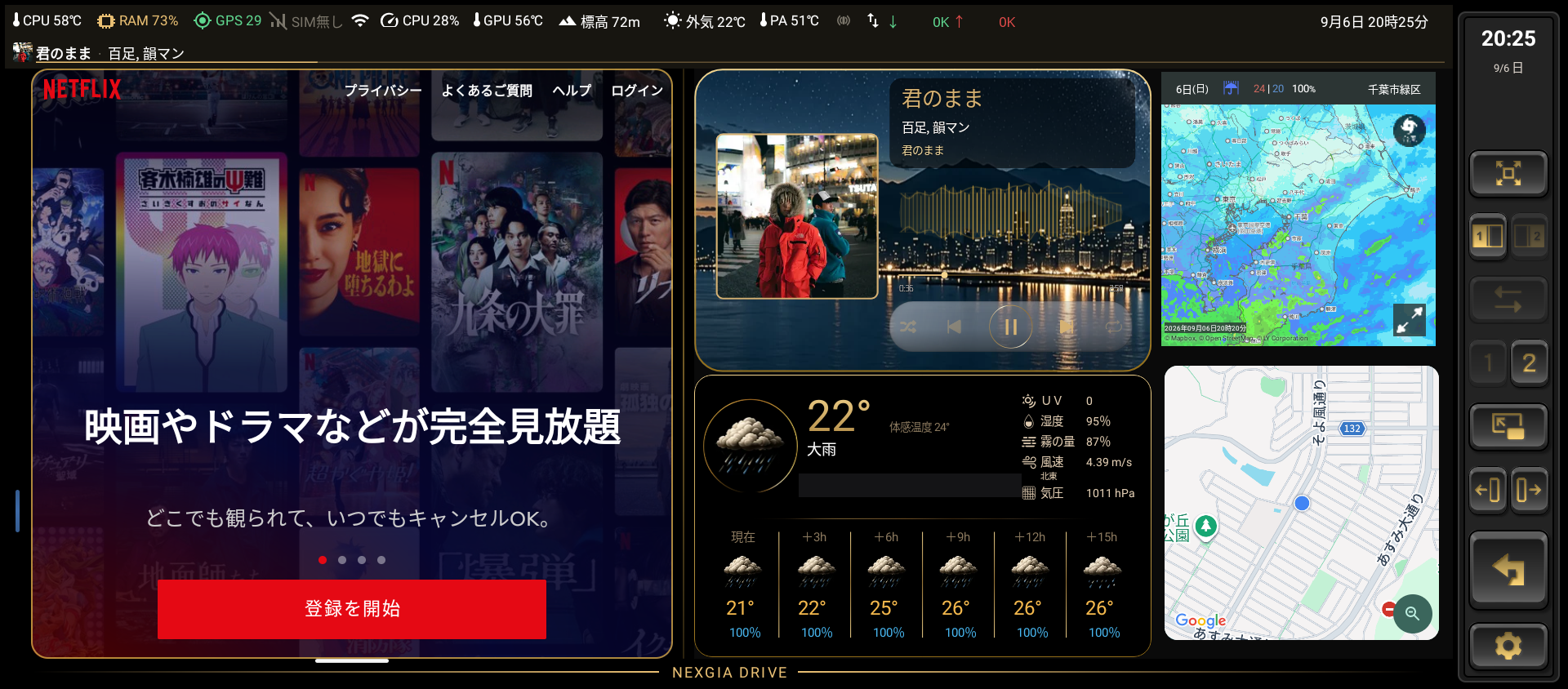
Add Music, Tire Pressure, Calendar, Weather, and Speedometer widgets to your home screen.
Sidebar Customization
Switch display modes, change apps, adjust the split ratio, and switch pages — all instantly from the always-on sidebar.
Music Auto-Resume
Turn on Auto-Resume Music, and the music you were listening to will automatically resume when you restart the engine.
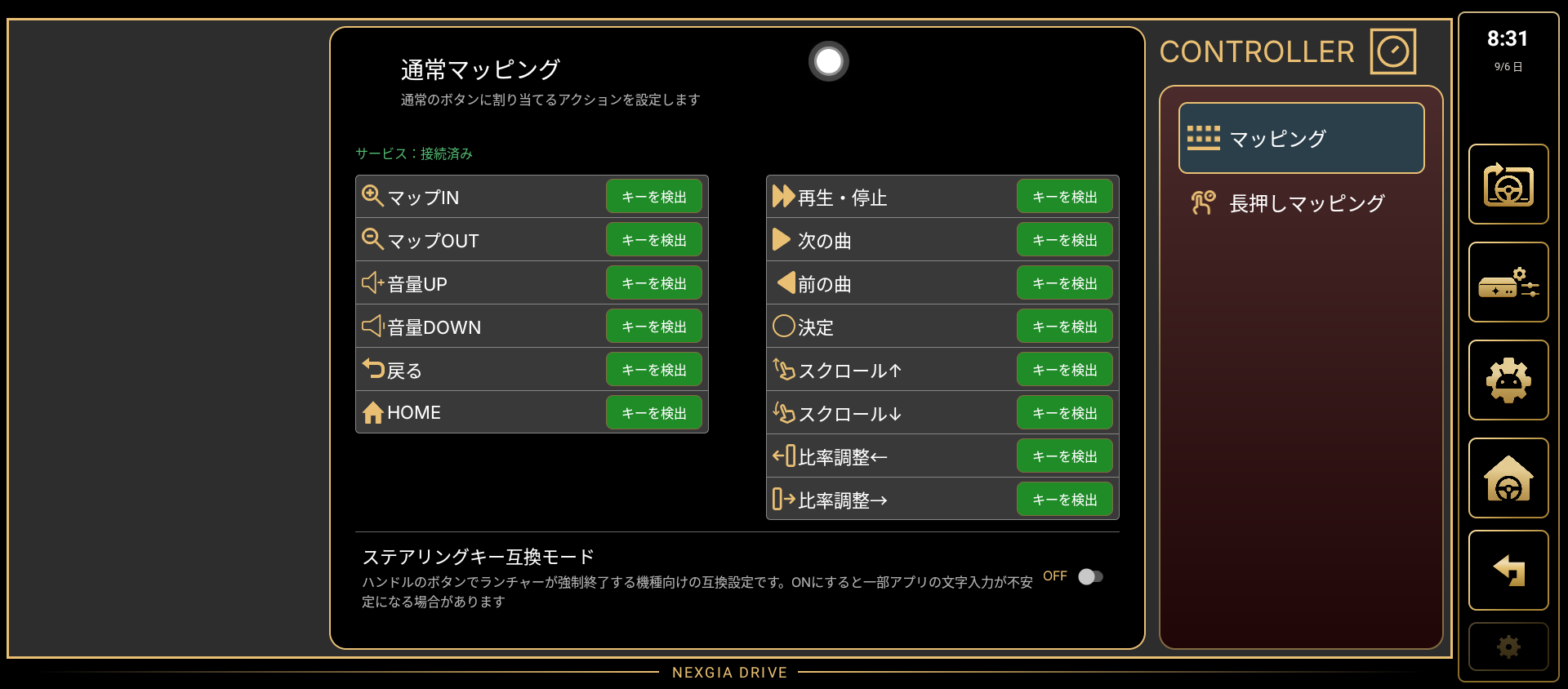
Controller Mapping
Assign actions like Back, volume, and track skip to your steering wheel buttons or an external controller.
DRIVE LOG (Drive Recording)
Automatically records your drive from engine on to engine off, so you can check the route, distance, and time in the list and detail screens.

Steering Wheel Switches and Controllers
Assign NEXGIA DRIVE actions to a variety of inputs so you can operate it without taking your hands off the wheel.
- Assign to a Bluetooth controller
- Assign to a volume controller
- Assign to your steering wheel switches

DRIVE LOG Records Every Drive Automatically
Records pile up on their own, for as long as the engine is running.
- Starts and stops recording automatically with power ON/OFF
- Automatically logs departure and arrival points
- Also records stop time during the drive
Built to Keep Working, Worry-Free
Automatic Backup
Your settings are automatically backed up across 5 generations, so you can always restore them if something goes wrong.
Automatic Updates
When a new version is released, you can check for and apply updates right from within the app.
About Supported Devices
NEXGIA DRIVE is an app made exclusively for AIBOX. Please be sure to check compatibility with your device before installing.
- Supported devices are limited to "AIBOX" (an Android-based in-car box).
- It does not work on standard commercial car navigation systems, smartphones, or tablets.
- Some features may not work due to differences between individual devices or ROMs.
Get Started with NEXGIA DRIVE
Turn your AIBOX into a screen made for driving. Download it now and give it a try.